Internal Linking for Service Pages: The Strategy Most Agencies Ignore
The Most Underused Ranking Lever
Ask any SEO about improving rankings, and they will talk about content quality and backlinks. Those matter. But there is a ranking lever that is entirely within your control, costs nothing, and can be implemented in a single afternoon: internal linking.
Internal links are the hyperlinks that connect one page on your website to another page on the same website. They tell search engines three critical things:
- Which pages exist on your site (discovery)
- How pages relate to each other (context)
- Which pages are most important (authority distribution)
Despite this, most service business websites treat internal linking as an afterthought. Service pages link to the contact page. Blog posts link to nothing. The homepage links to the main navigation items. That is it.
This passive approach leaves massive SEO value on the table. Here is how to fix it.
Why Internal Links Matter More Than You Think
Authority Distribution
When your website earns a backlink from an external site, that link passes authority (ranking power) to the page it points to. Internal links then distribute that authority throughout your site.
If your homepage has strong backlinks but your service pages have none, internal links from the homepage to your service pages share that authority. Without those internal links, your service pages are ranking on their own, with no support from the rest of your site.
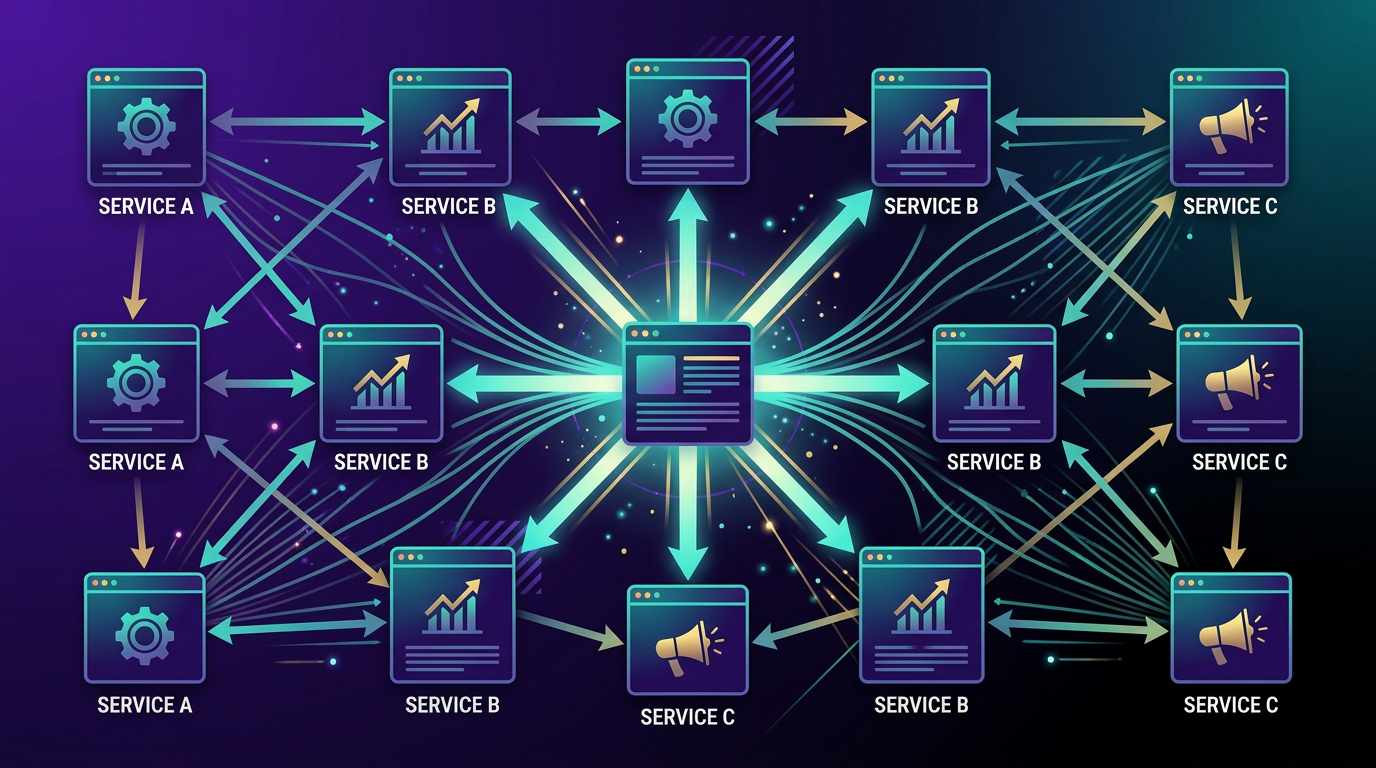
Think of it like a water system. External backlinks are the water supply. Internal links are the pipes. Without pipes, the water stays in one place. With a well-designed pipe system, every part of your site gets the water it needs.
Contextual Relevance
Internal links with descriptive anchor text tell search engines what the linked page is about. When your blog post about "how to reduce Google Ads cost per click" links to your Google Ads management page with the anchor text "Google Ads management," you are sending a strong signal about what that page covers.
This is particularly valuable for service pages that target competitive keywords. Every contextually relevant internal link reinforces what the page is about and strengthens its ability to rank.
Crawl Efficiency
Search engines discover pages by following links. If a page on your site is only accessible through a deep navigation menu or a single obscure link, search engines may crawl it infrequently or miss it entirely.
Pages with multiple internal links pointing to them get crawled more often, indexed more reliably, and updated faster in search results.
The Service Page Internal Linking Framework
Here is a systematic framework for building an internal linking structure that supports your service pages.
Step 1: Identify Your Priority Pages
List the service pages that matter most to your business. These are typically the pages targeting your highest-value keywords with the strongest revenue potential.
For a digital marketing agency, priority pages might be:
- AI Marketing Agents
- SEO Services
- Google Ads Management
- AI Search Optimization
- Web Design
For a local service business:
- Emergency Plumbing Repair
- AC Installation
- Water Heater Replacement
- Drain Cleaning
These are the pages you want to rank. Every internal linking decision should support these pages.
Step 2: Map Your Content to Services
Go through every page on your website, including blog posts, about pages, case studies, and FAQ pages, and identify which service page each one is most relevant to.
A blog post about "5 signs your AC needs replacement" maps to the AC Installation service page. A case study about a successful PPC campaign maps to the Google Ads service page. Your about page can link to multiple services through the narrative of what you offer.
This mapping becomes your internal linking guide.
Step 3: Add Contextual Links from Blog Posts
Blog posts are your richest source of internal linking opportunities because they contain the most text and cover the widest range of topics.
For each blog post, add 2 to 4 internal links:
- One primary link: To the most relevant service page, placed early in the content
- One to two supporting links: To related service pages where the context naturally supports it
- One conversion link: To your contact page or a CTA, typically near the end
Use descriptive anchor text that includes relevant keywords. Instead of "click here" or "learn more," use phrases like "our SEO services include technical audits" or "explore our approach to AI search optimization."
Step 4: Cross-Link Between Service Pages
Service pages should link to related services. This creates a web of contextual relevance:
- Your SEO page should link to your AI Search Optimization page (these topics overlap)
- Your Google Ads page should link to your Paid Social page (both are paid media)
- Your Web Design page should link to your SEO page (design impacts SEO performance)
- Your AI Marketing Agents page should link to the specific services those agents can manage
These cross-links serve users who might be interested in complementary services, and they distribute authority between related pages.
Step 5: Leverage Your Homepage
Your homepage is typically your most authoritative page because it attracts the most backlinks. Use it strategically:
- Link directly to your top 3 to 5 priority service pages from the homepage body content (not just navigation)
- Use descriptive anchor text, not generic "services" links
- Place these links high on the page where they carry the most weight
A homepage that says "We help businesses grow through AI-powered marketing agents, search engine optimization, and high-conversion web design" is doing more SEO work than one that just has a "View Our Services" button.
Common Internal Linking Mistakes
Using Generic Anchor Text
"Click here," "learn more," "read more," and "check this out" tell search engines nothing about the linked page. Every internal link should use anchor text that describes the destination page.
Bad: For more information, click here.
Good: Our SEO services for local businesses include comprehensive technical audits and content optimization.
Linking Only from Navigation
Navigation links (header, footer, sidebar) are important for usability, but they carry less SEO weight than contextual links within page content. Search engines understand that navigation links are site-wide and templated. Contextual links within unique content are valued higher because they represent a deliberate editorial choice.
Make sure your service pages receive links from within the body of blog posts, guides, and other content pages, not just from the navigation menu.
Orphaned Pages
An orphaned page is one that has no internal links pointing to it. It might exist in your sitemap, but if no other page links to it, search engines may not discover it or may assign it low importance.
Audit your site for orphaned pages. Every page you want ranked should have at least 2 to 3 internal links pointing to it from other pages.
Over-Linking
While internal links are valuable, stuffing a page with 50 internal links dilutes the value of each one. For a typical blog post (1,000 to 2,000 words), 3 to 5 internal links is optimal. For longer pillar content (3,000+ words), 5 to 8 is reasonable.
Quality and relevance always beat quantity.
Ignoring Deep Pages
Many sites only link to top-level service pages. But if you have sub-pages (specific service variations, location pages, detailed guides), those pages need internal link support too.
Build links to deep pages from related blog content and from the parent service page. This ensures every page in your site architecture receives some authority.
Implementing This at Scale
For a site with 10 to 15 service pages and 10+ blog posts, manual internal linking is manageable. Build a spreadsheet mapping each piece of content to its target service page, then work through each page adding links.
For larger sites, AI marketing agents can identify internal linking opportunities systematically, analyzing content for relevant keyword mentions and suggesting link placements. This ensures consistency and catches opportunities that manual review might miss.
Measuring the Impact
After implementing your internal linking strategy, track these metrics:
- Organic rankings: Monitor your priority service page rankings over 30 to 90 days
- Crawl stats: In Google Search Console, check that all important pages are being crawled regularly
- Internal links report: Google Search Console shows how many internal links point to each page. Your priority pages should have the most
- Page-level organic traffic: Track whether service pages receiving new internal links see traffic increases
Internal linking improvements typically show results within 4 to 8 weeks, faster than most other SEO changes.
The Compound Effect
Internal linking is one of those SEO fundamentals that compounds over time. Each new blog post you publish is an opportunity to add 2 to 3 more internal links to your service pages. Each service page you create becomes a new cross-linking target. As your content library grows, the internal linking web becomes denser and more powerful.
The businesses that build this foundation now create an ever-growing advantage. Their service pages receive more internal authority with every piece of content published, making them progressively harder to outrank.
Start with your top 5 service pages and your existing blog content. Map the connections, add the links, and build from there. It is the most impactful SEO work you can do this week.
For a comprehensive approach to SEO that includes strategic internal linking, or to explore how AI agents can automate content and linking at scale, visit our solutions pages.
Ready to audit your internal linking structure? Contact our team for a site architecture review.
Ready to Elevate Your Digital Strategy?
Let our team of experts help you achieve your marketing goals with AI-powered strategies tailored to your business.